 MyTimeBack
Block the noise
Choose the apps you want to spend less time on. Apple’s own Screen Time controls keep them shut.
Your time. Your terms.
Block distracting apps. Do something real. Earn your screen time back.
Free on the App Store for iPhone and iPad.
It starts small. You check one message. A video plays. Then another. The feed never ends, so nothing tells you to stop.
That is not a lack of willpower. These apps are built to be easy to keep using. MyTimeBack adds one small step back in: before the scroll, you do something you actually value.
How it works
Three steps. The apps you choose stay shut until you earn time with them.
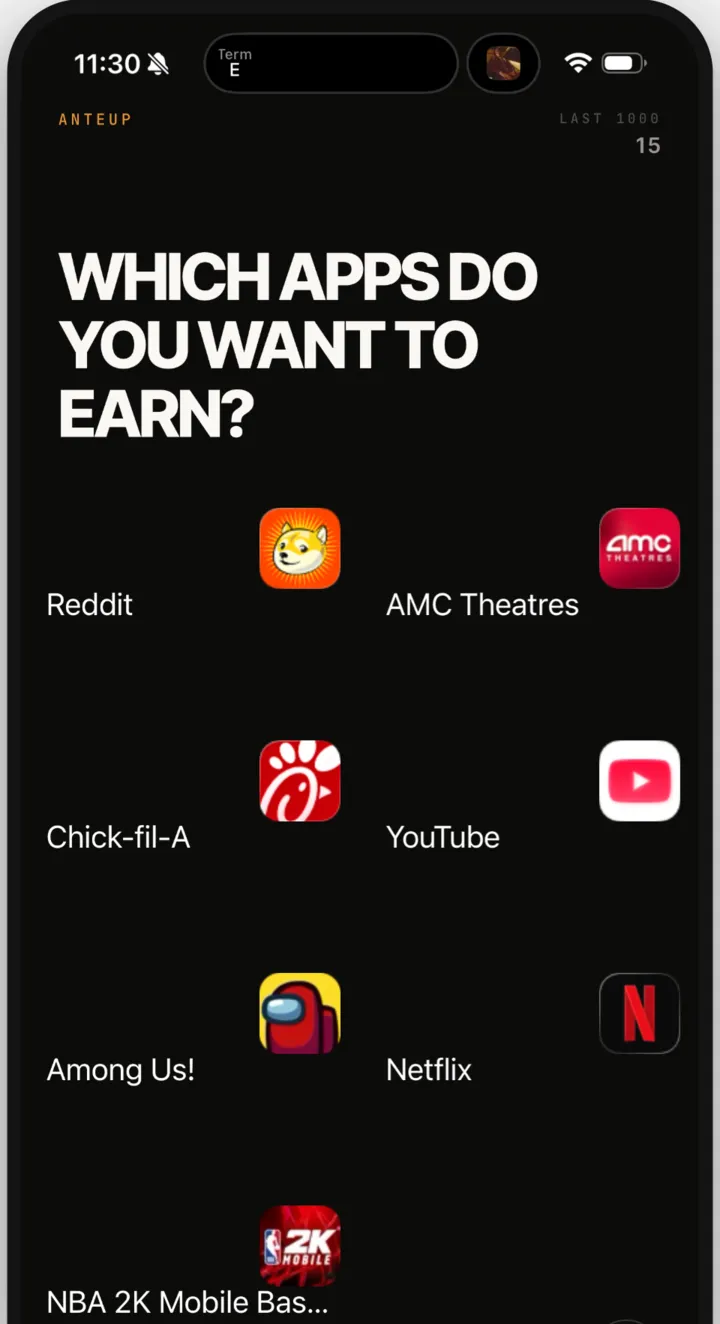
Choose the apps you want to spend less time on. Apple’s own Screen Time controls keep them shut.
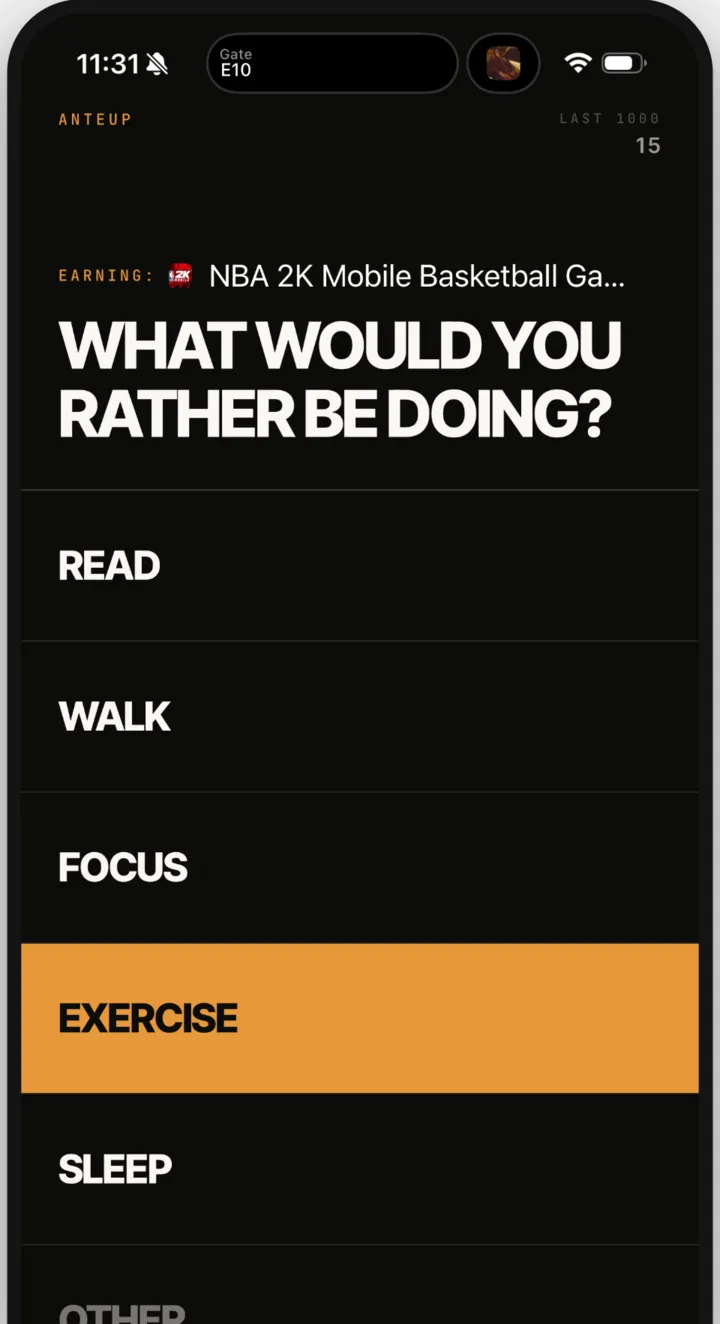
Read, walk, focus, sleep, or exercise. Exercise is checked by the front camera, on your phone.

Finish a session and earn minutes. Spend them to open your apps now, or save them for later.
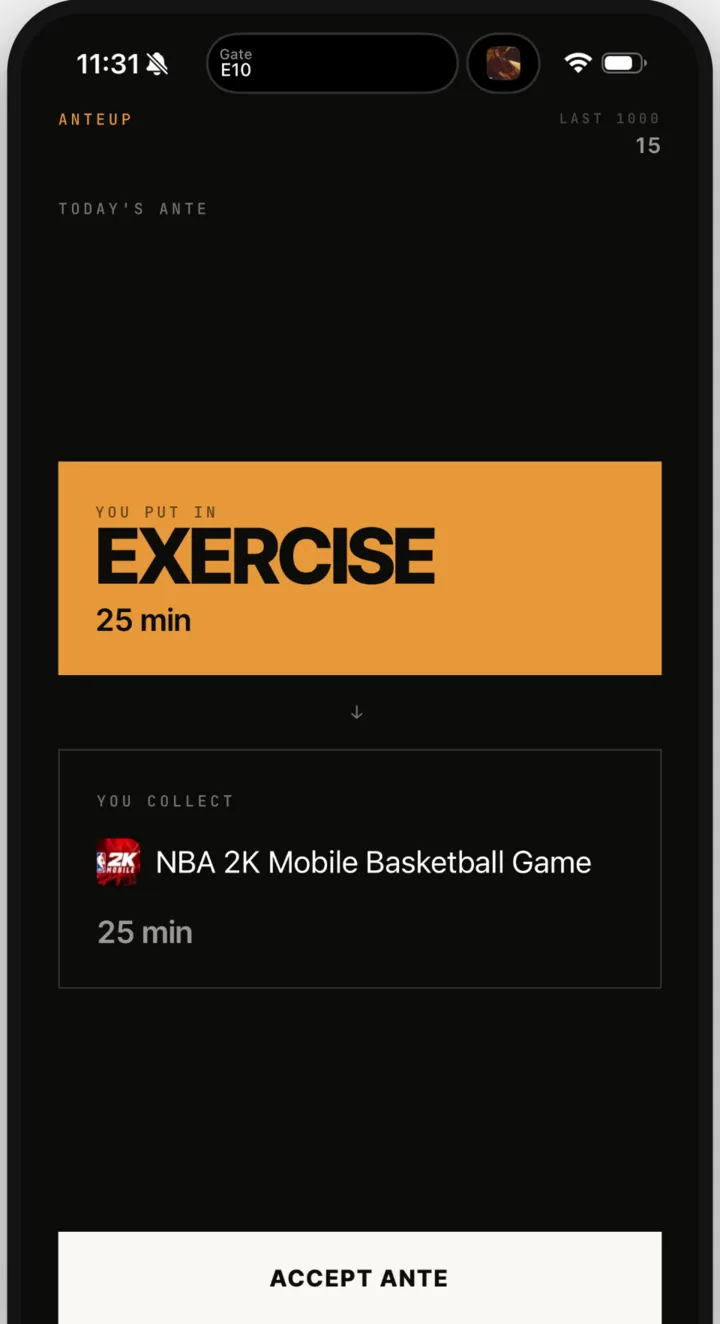
Screens from MyTimeBack 1.0. They show the app’s earlier working name, AnteUp. App names and icons shown are the property of their respective owners. Read the full walkthrough.
Inside the app
One clear trade, every time: what you do, and what it earns.
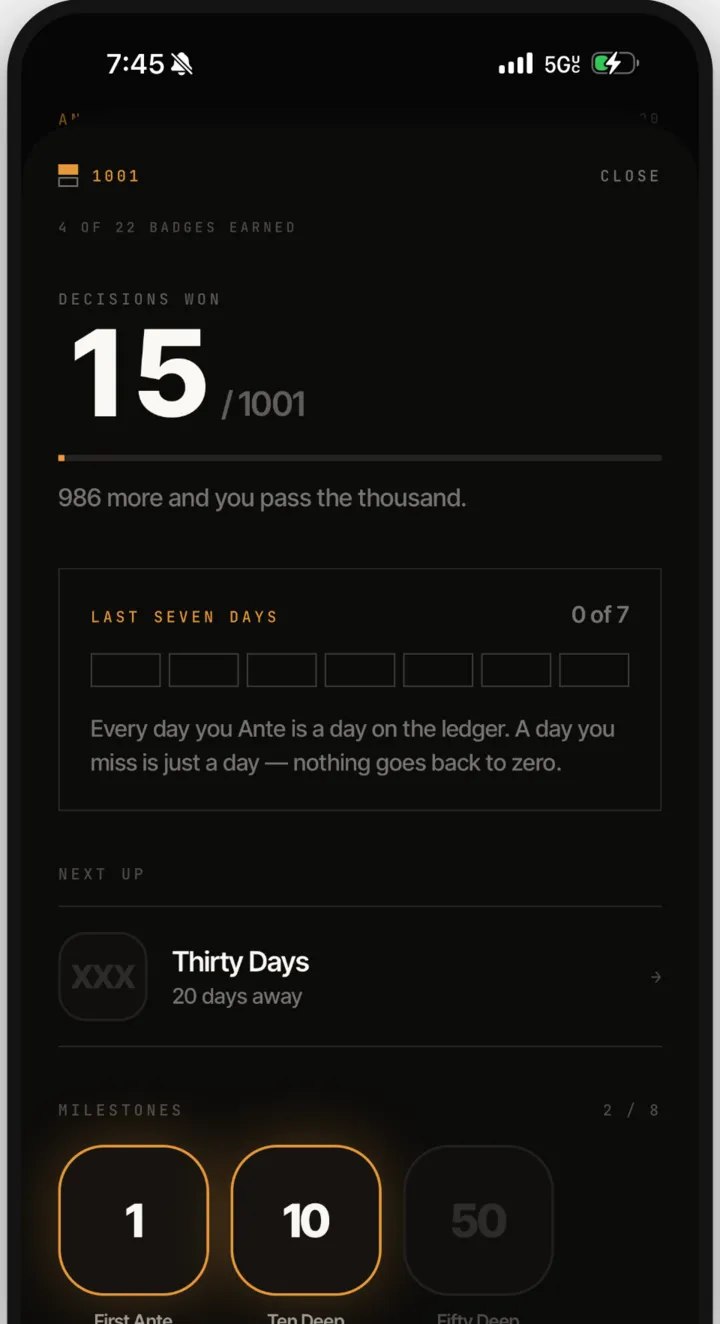
Screens from MyTimeBack 1.0. They show the app’s earlier working name, AnteUp. App names and icons shown are the property of their respective owners.
Your phone isn’t the enemy. Mindless phone use is.
Give yourself a reason to choose a walk, a book, or a workout before you scroll.
Keep the apps you enjoy. They open when you choose to spend the minutes you earned.
Your record grows with every session. There is no streak to break, and a missed day is just a day.
Most blockers stop you. MyTimeBack asks for a trade. It is not the only app that rewards activity, but the trade is the whole idea.
A typical app blocker
MyTimeBack
An app for iPhone and iPad that keeps the apps you choose shut until you earn time with them. You earn minutes by exercising, walking, reading, focusing, or sleeping, then spend those minutes to open your apps.
Start a session and do the activity. Exercise is checked by the front camera and earns 4 minutes for every minute. Walks, workouts and sleep are read from Apple Health if you allow it. Reading and focus earn by staying with the session. Steps you take without a session earn a small bonus. How earning works.
Yes. You pick them in Apple’s own Screen Time list inside the app. Social, video, games, or anything else.
The minutes go to your balance. Use them to open your blocked apps for that time, now or later. When the time runs out, the apps shut again.
Yes. It needs iOS or iPadOS 16.4 or later. There is no Android version.
Yes, at any time. Stop the session in the app, or remove MyTimeBack’s access in iOS Settings → Screen Time. You are always in control.
Yes. The free app includes 3 sessions a day and shows one ad. MyTimeBack Premium is an optional monthly or annual subscription with no ads, unlimited sessions, and your full history.
It uses Apple’s Screen Time framework to shut the apps you pick. Your app choices stay on your phone, and MyTimeBack never sees what you do inside an app. Privacy Policy.
Something not working? Visit Support or email support@meetdelai.com.
Less mindless scrolling. More time for everything else.