 MyTimeBack
Most screen time tools take something away. Earned screen time flips that around: the apps you overuse stay closed until you do something you actually value, and then you get time on them. This guide explains how the idea works, how MyTimeBack does it, and where it helps and where it doesn't.
What "earn screen time" means
The idea is simple. Instead of a hard daily cap, you trade real activity for app time.
- A set of distracting apps is blocked by default.
- You do an activity, like a walk, a workout or some reading.
- That activity unlocks a set amount of time on those apps.
It is reward-based access, and it is not new. Several apps use some version of it, with different activities and different rules. What they share is the shift in default. Scrolling becomes something you choose and pay for with time well spent, instead of something that just happens.
Your phone isn't the enemy. Mindless phone use is.
Why it can work better than a plain limit
A plain limit says "stop." When you hit it, many of us just tap "ignore limit" and keep going. Earned time says "do this first." It gives you something to do instead, which is the part that usually goes missing when you try to cut back.
It also changes how the time feels. Minutes you earned on a walk feel different from minutes that were just there. Many people find they spend them more deliberately.
How MyTimeBack lets you earn screen time
MyTimeBack is an iPhone and iPad app built around this idea. It needs iOS or iPadOS 16.4 or later. For the full walkthrough, see how MyTimeBack works.
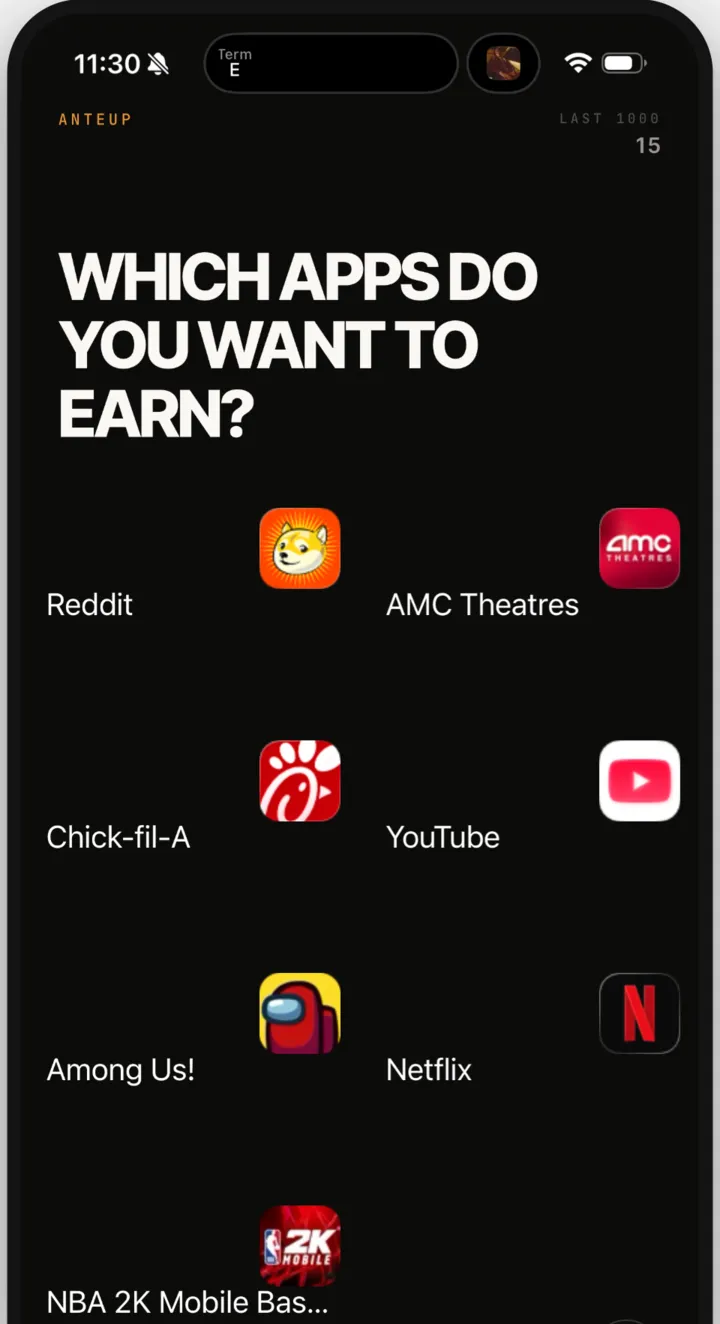
Pick what stays shut
You answer "Which apps do you want to block?" in Apple's own Screen Time app picker. Apple locks them. Shut is their normal resting state.
Pick what you'd rather be doing
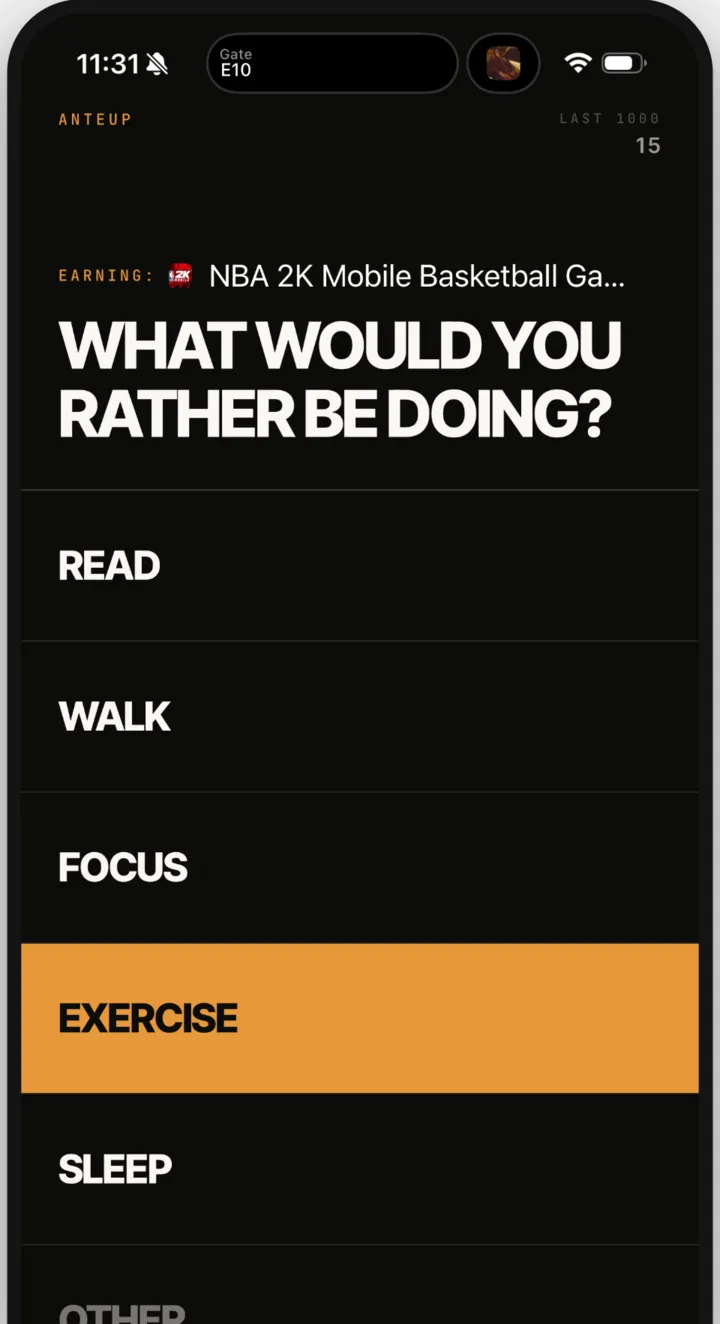
Then you answer "What would you rather be doing?" The options are Read, Walk, Focus, Exercise, Sleep, or Other, where you write your own.
Start, finish, spend
The session screen shows what you do and what you earn. You can adjust the minutes before you tap Start Session. When it ends, your earned minutes open the blocked apps for a set time. Use them now or save them for later.
The earning rates
| Activity | How MyTimeBack counts it | Rate |
|---|---|---|
| Exercise | Front camera checks the movement | 4 minutes earned per minute |
| Walk, Sleep, workouts | Read from Apple Health (optional) | 1 minute per minute |
| Read, Focus, Other | Staying with the session | 1 minute per minute |
| Everyday steps, no session | Read from Apple Health | 1 minute per 4 minutes of activity |
Camera-checked exercise
Exercise earns the most because it can be checked. The front camera follows push-ups, pull-ups, jumping jacks, sit-ups, squats and running in place. Processing happens on the phone. No video is recorded, nothing is uploaded, and no image leaves the device.

Walks and sleep from Apple Health
If you allow it, MyTimeBack reads steps, walking distance, workouts and sleep from Apple Health. It never writes to Health, and Health data is never used for ads or shared with advertisers. Health access is optional.
Reading and focus: you earn by staying with it
Some activities can't be measured by a sensor. Nobody can check that you are really reading a page. So Read, Focus and Other earn 1 minute per minute, based on time in the session. They are worth the same as the time you give them, no more.
The server keeps the clock
A session counts only when MyTimeBack's server confirms the time. Moving your phone's clock forward does not earn extra minutes.
The honest benefits
- You get a replacement, not just a block. The question "what would you rather be doing?" is the whole point.
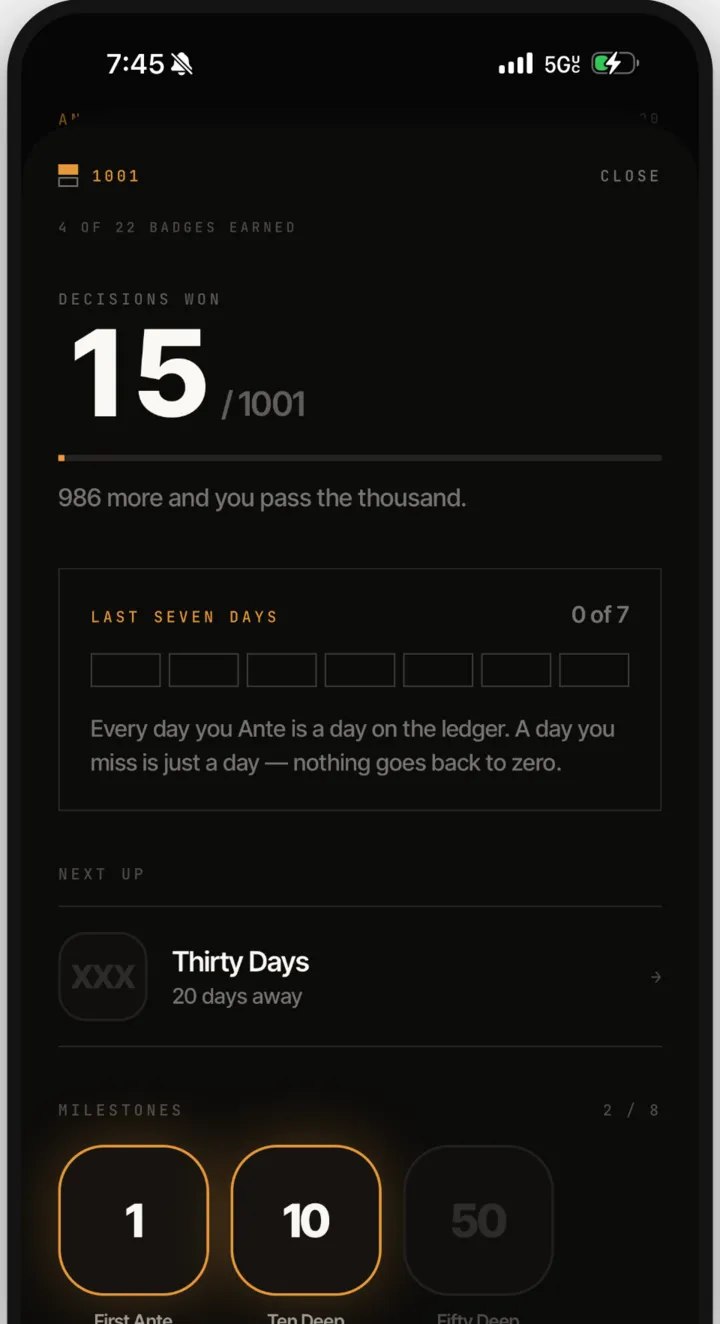
- No shame. There are no streaks, nothing resets, and a missed day is just a day. There are no leaderboards or social features. The app does not scold.
- You see your record. MyTimeBack keeps a record of your sessions and the minutes you earned, plus badges about time and care.
- It is private by design. Your Screen Time app choices stay on the phone, and MyTimeBack never sees what you do inside an app. Read the privacy details.
The honest limitations
Earned screen time is useful, but it is not magic. Here is what to know before you start.
- It relies on your own intent. You can remove MyTimeBack's Screen Time access in iOS Settings → Screen Time at any time. That is how it should be for an adult's own phone. It works when you want it to work.
- Not everything can be measured. Reading, focus and custom activities pay 1:1 on trust. If you start a reading session and scroll something else on another device, the app can't know.
- It covers only the apps you pick. It does not block websites. It runs on iPhone and iPad only.
- The free plan has a daily cap. Free includes 3 sessions a day and one ad. MyTimeBack Premium, an optional subscription with monthly and annual plans, adds unlimited sessions a day, full history and no ads.
- It is not a parental control. It is built for adults managing their own screen time.
If you want to change your habits more broadly, pair it with simple phone settings. Our guides on how to stop doomscrolling and how to reduce screen time on iPhone cover the built-in options.
Is earned screen time right for you?
It tends to fit if:
- You don't want to quit apps, just use them on purpose.
- You like a clear trade: do this, get that.
- You'd enjoy moving, reading or focusing more, and want a nudge.
It may not fit if you need someone else to hold the keys, or if you want apps gone completely. In that case, deleting the app or using a Screen Time passcode someone else keeps may suit you better.
Curious how much time is at stake? Run your numbers in the screen time calculator.
Questions
Why does exercise earn more than reading?
Exercise is checked by the front camera, so the app can confirm the work happened. Reading and focus can't be measured, so they earn 1 minute per minute based on time in the session.
Do my everyday steps count?
Yes, a little. With Apple Health access, everyday activity outside a session earns a small bonus: 1 minute per 4 minutes of activity.
Can I cheat by changing my phone's clock?
No. The server keeps the clock, and a session counts only when the server confirms the time.
Is earned screen time a form of parental control?
Not in MyTimeBack. It is made for adults choosing to manage their own phone, and you can remove its access in Settings whenever you want.